StructionSite
An enterprise admin experience for construction's leading reality-capture platform, across web and mobile.
OVERVIEW
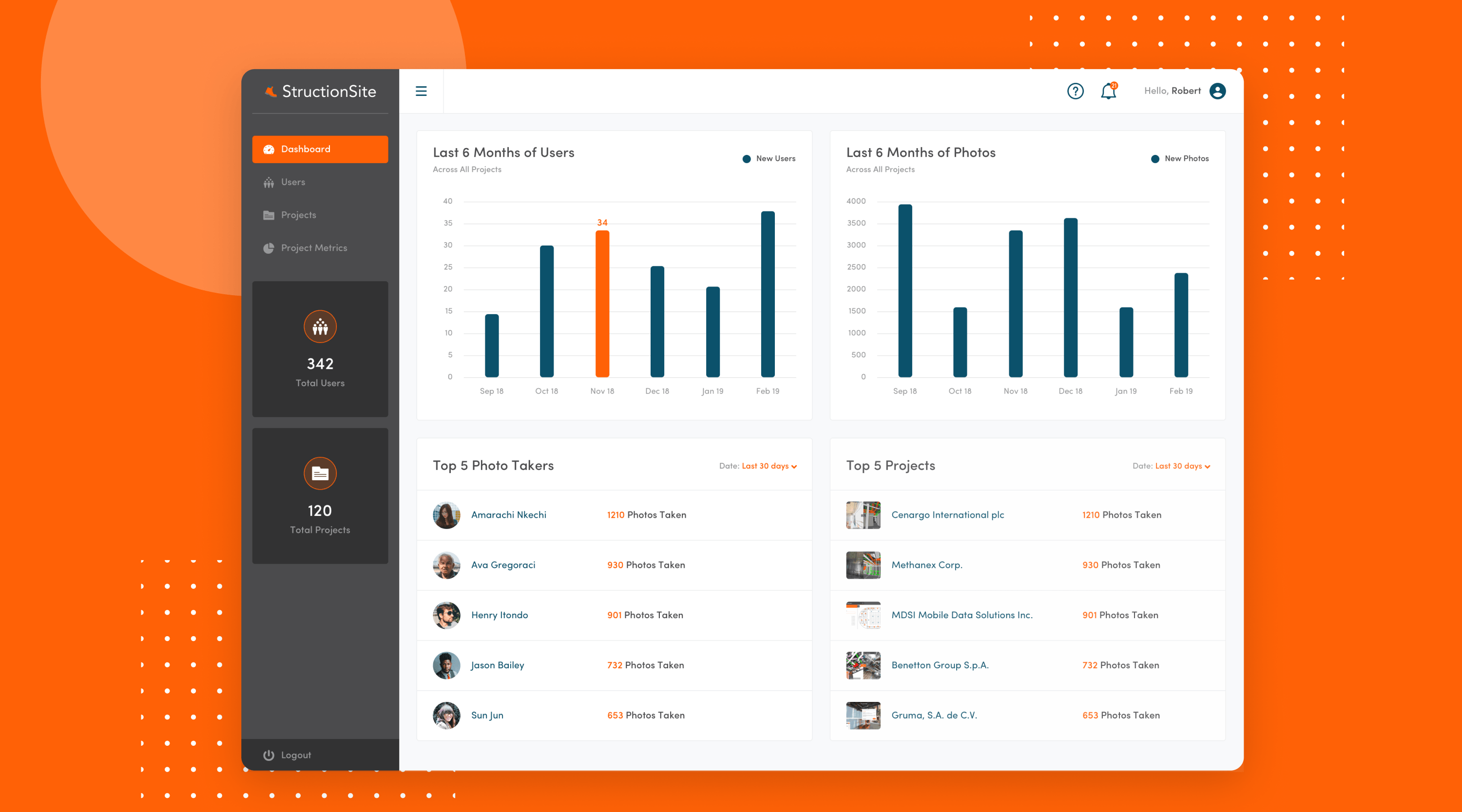
StructionSite is the reality-capture platform construction teams use to bring standard photos, 360s, videos, drone shots and 3D laser scans into one place. Contractors use it to "walk the job" from the office; owners use it for transparency and offline handover. I came on as the solo designer to design the enterprise admin experience for their largest customers, across both web and mobile, so project leaders could check in from their desk, on the move between sites, or right there on the job itself.
THE PROBLEM
The consumer-facing apps had already shipped. The missing piece was an enterprise admin experience where project leaders could see metrics on photo activity and top contributors, dig into specific projects, and manage users without engineering support. It had to work on the web for desk-based reviews, and on mobile for both on-the-road check-ins and on-site walkthroughs. Brand and direction were already locked, so the challenge wasn't what to design, it was making something dense and enterprise-grade feel premium and readable instead of cluttered, across every screen size.
THE APPROACH
A focused engagement across two platforms. I reviewed the rough sketches the client had drawn up, audited a handful of best-in-class enterprise admin panels for benchmarks, then designed the screens in Sketch following the client's existing brand system. Web and mobile were designed in parallel so the patterns stayed consistent across both platforms. Shipped with a clickable InVision prototype and the full Sketch source so engineering could build straight from the handoff.
Brief, focused, two platforms.
Four stages across web and mobile, from discovery to handoff, turning locked brand and rough sketches into polished enterprise admin screens. Keep scrolling to walk the process step by step.


OUTCOME
A polished enterprise admin experience that held up across the three places a project leader actually works: the office, the road, and the job site itself. Designed in parallel for web and mobile, built straight from the client's brand system, and shipped as a tested set the engineering team could build from.
The polished admin experience that shipped, designed in parallel for web and mobile.
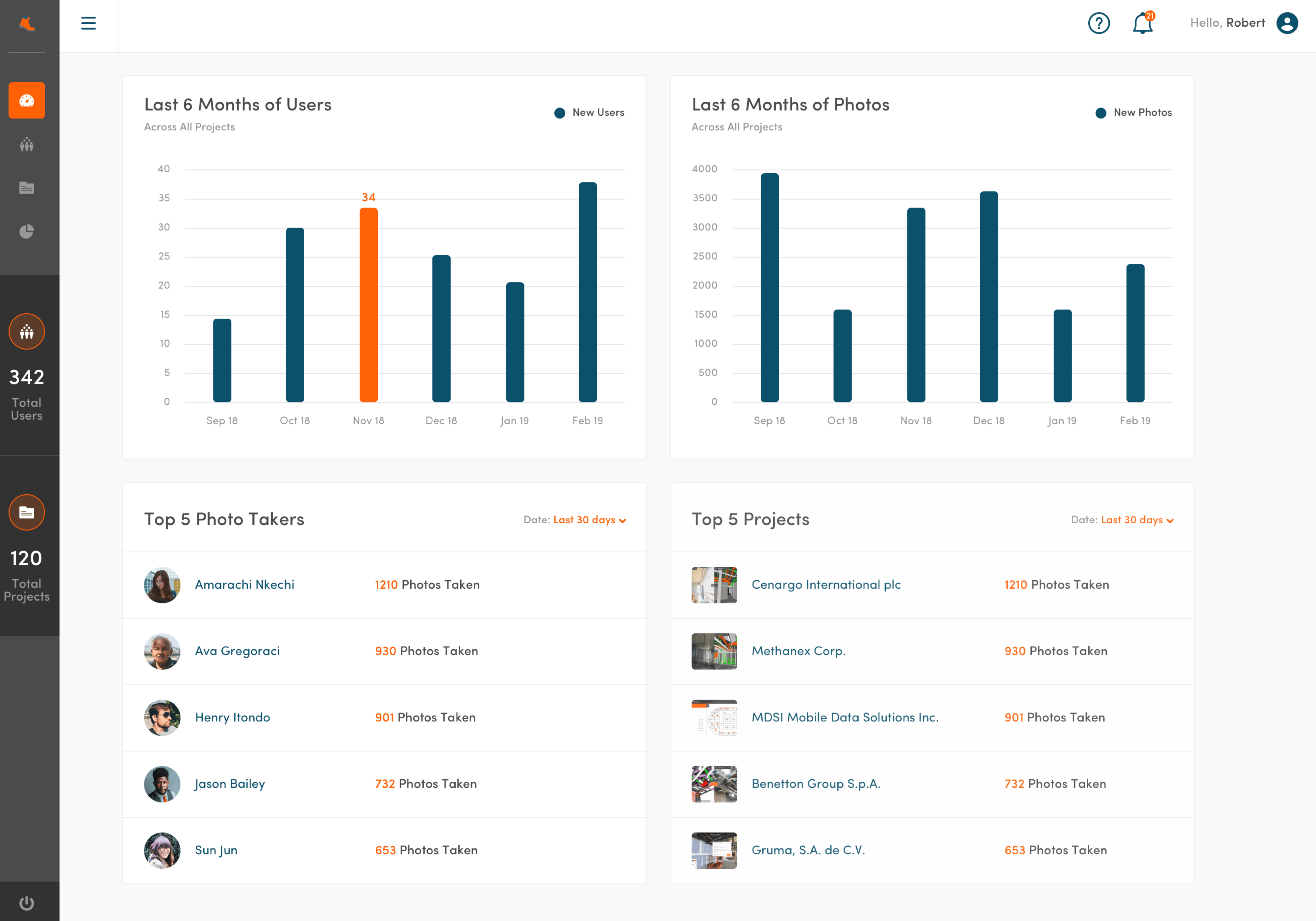
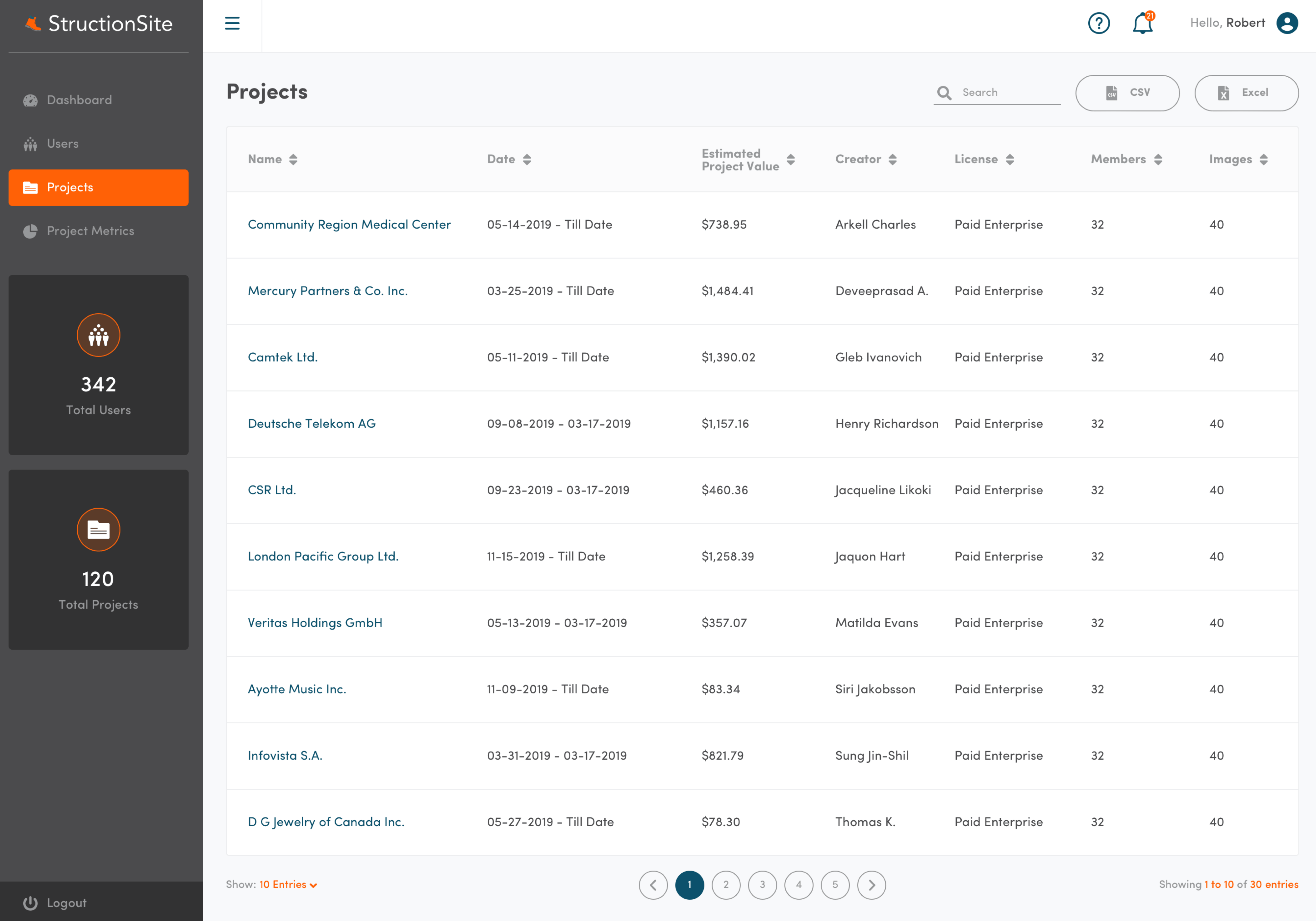
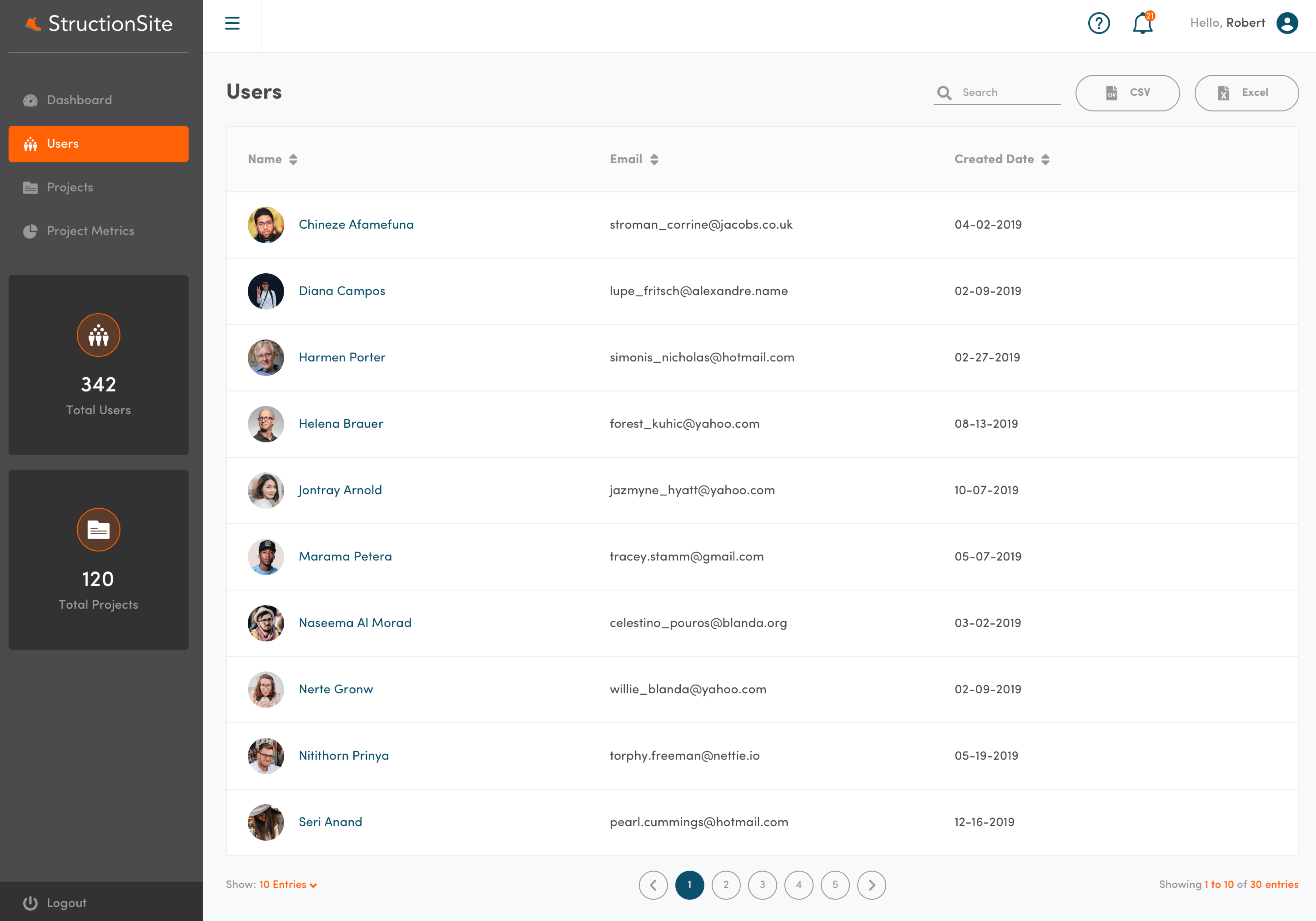
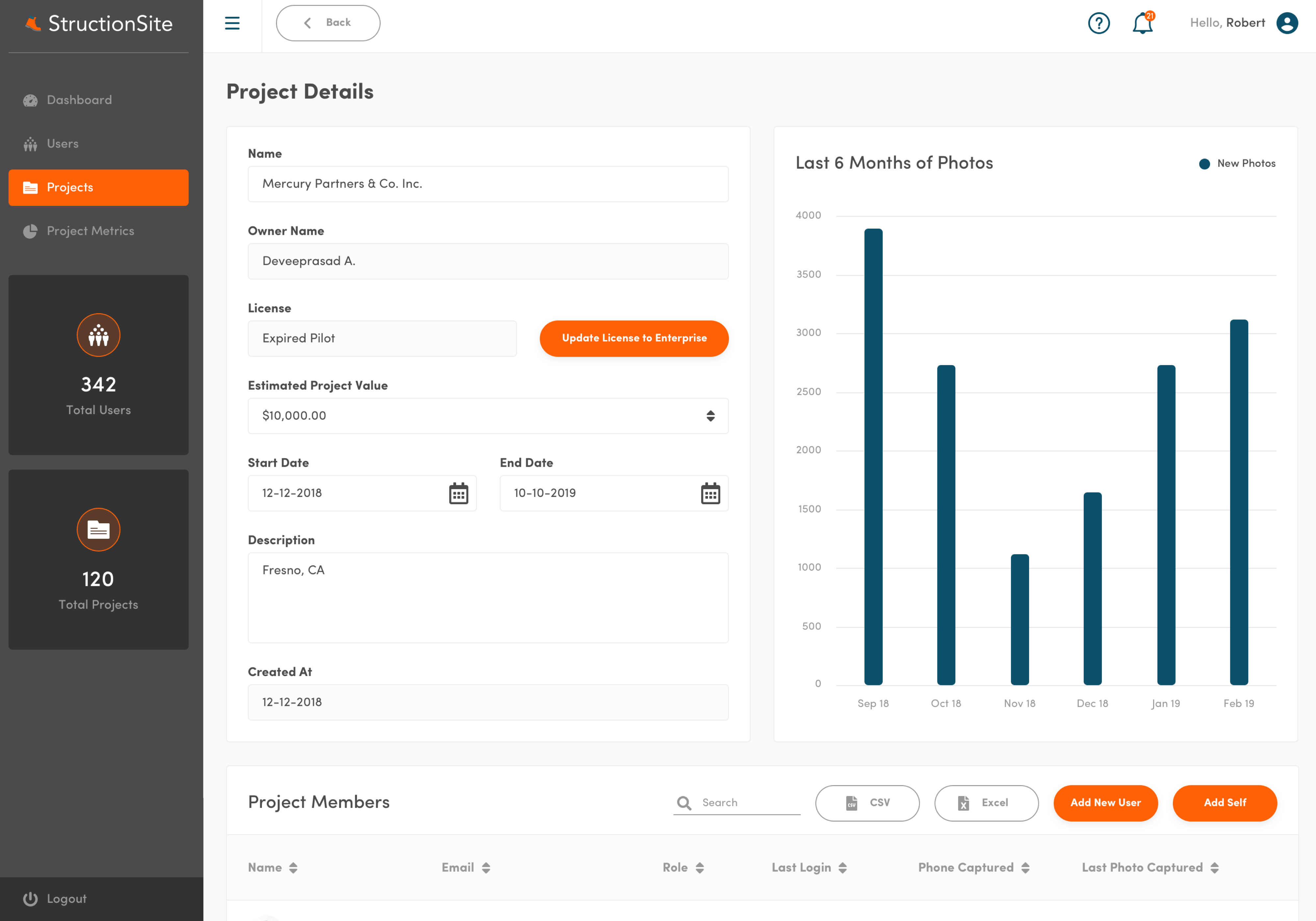
Web UI
The desk-based admin panel for project leaders managing enterprise accounts.
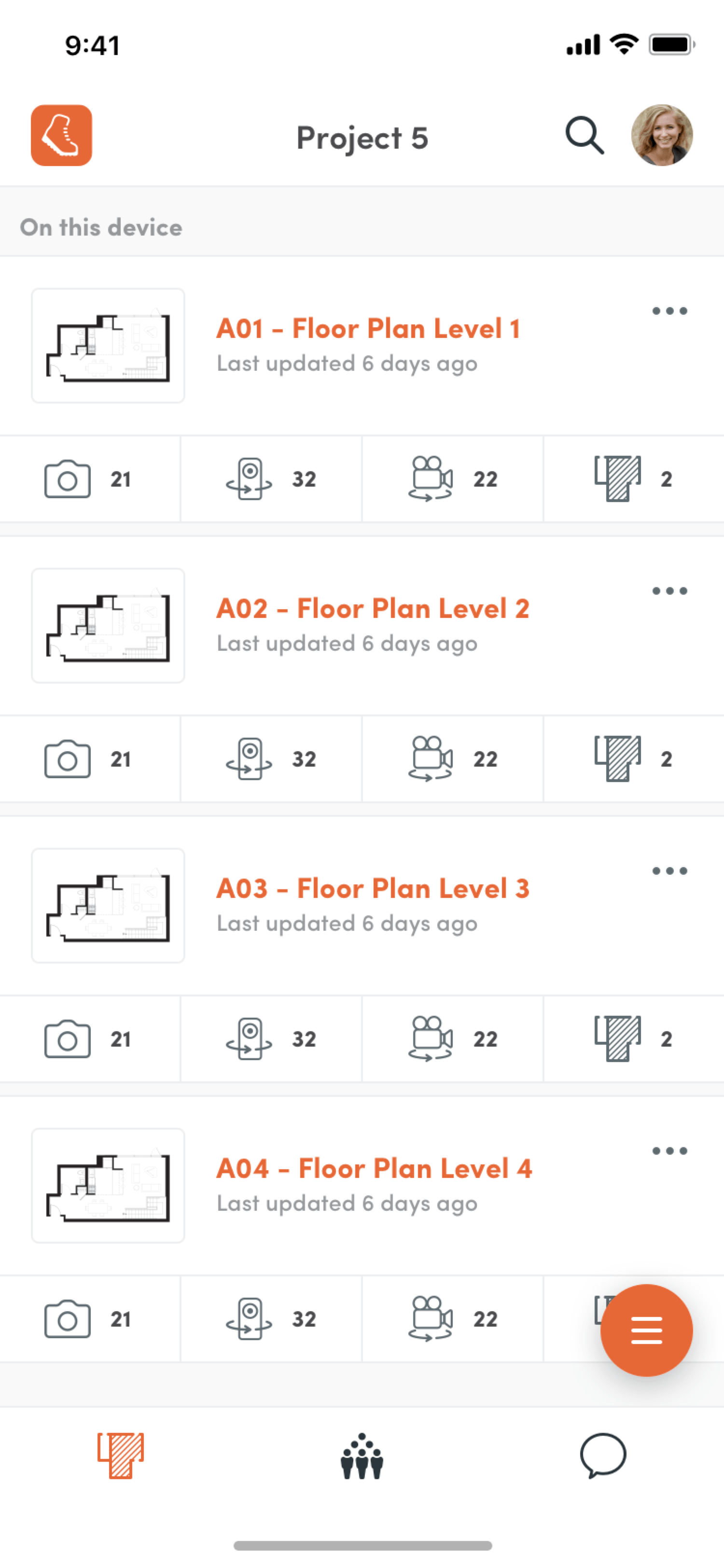
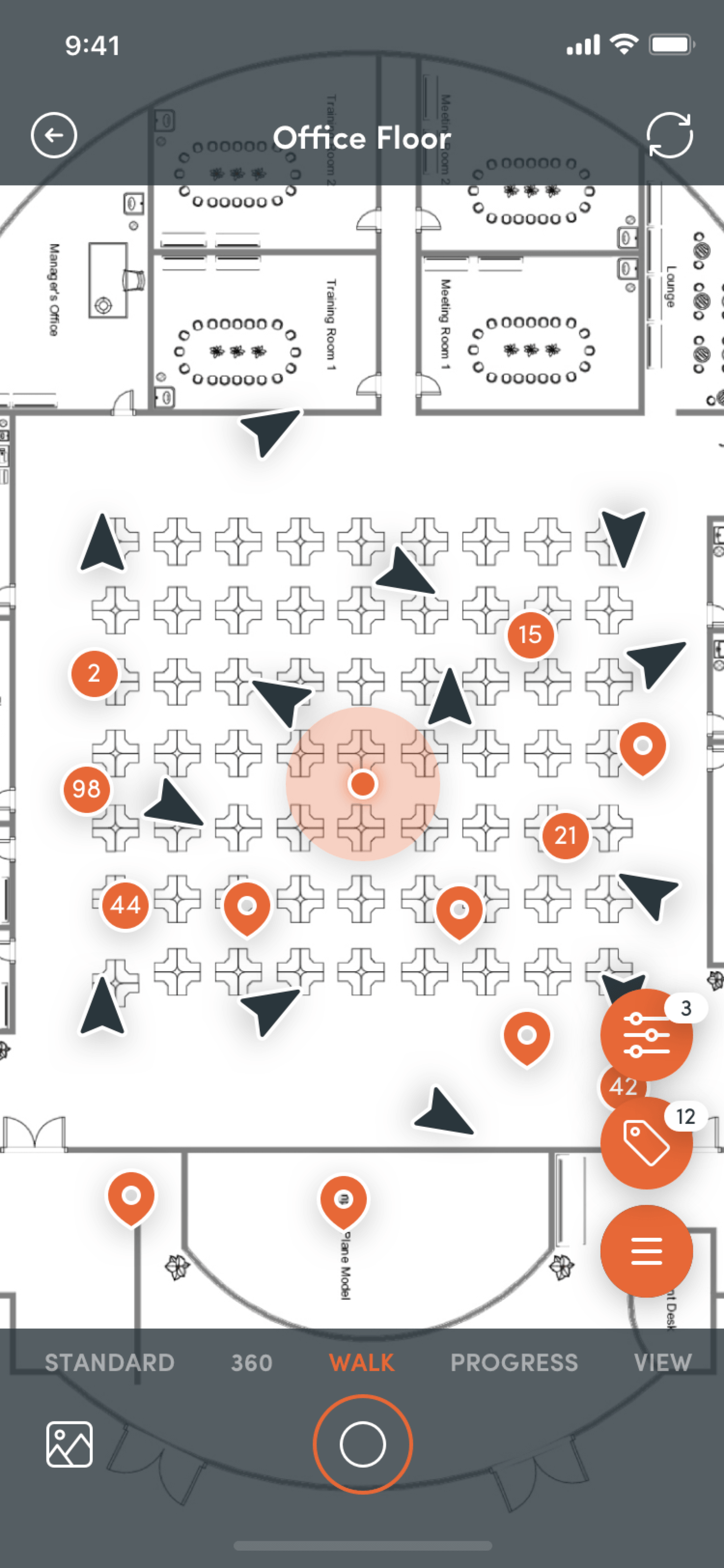
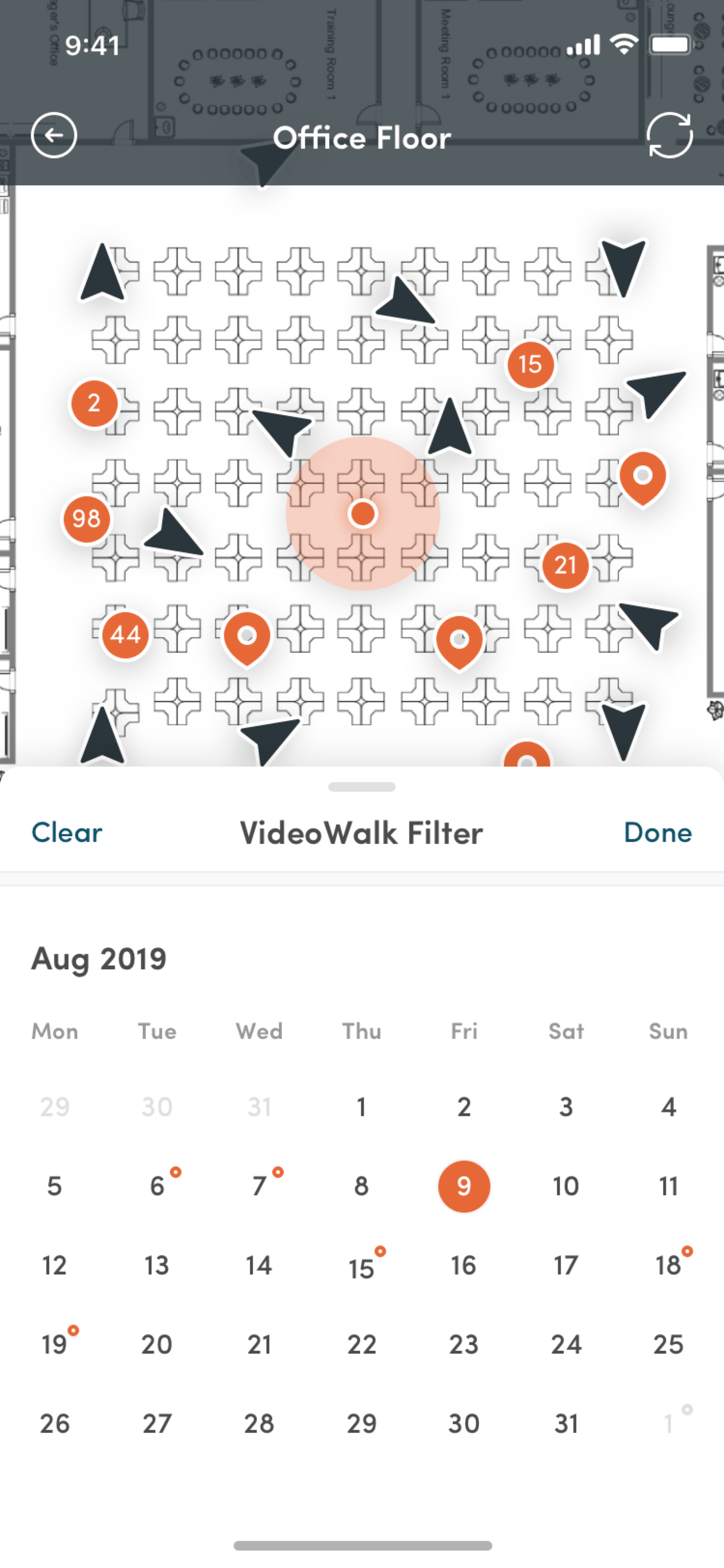
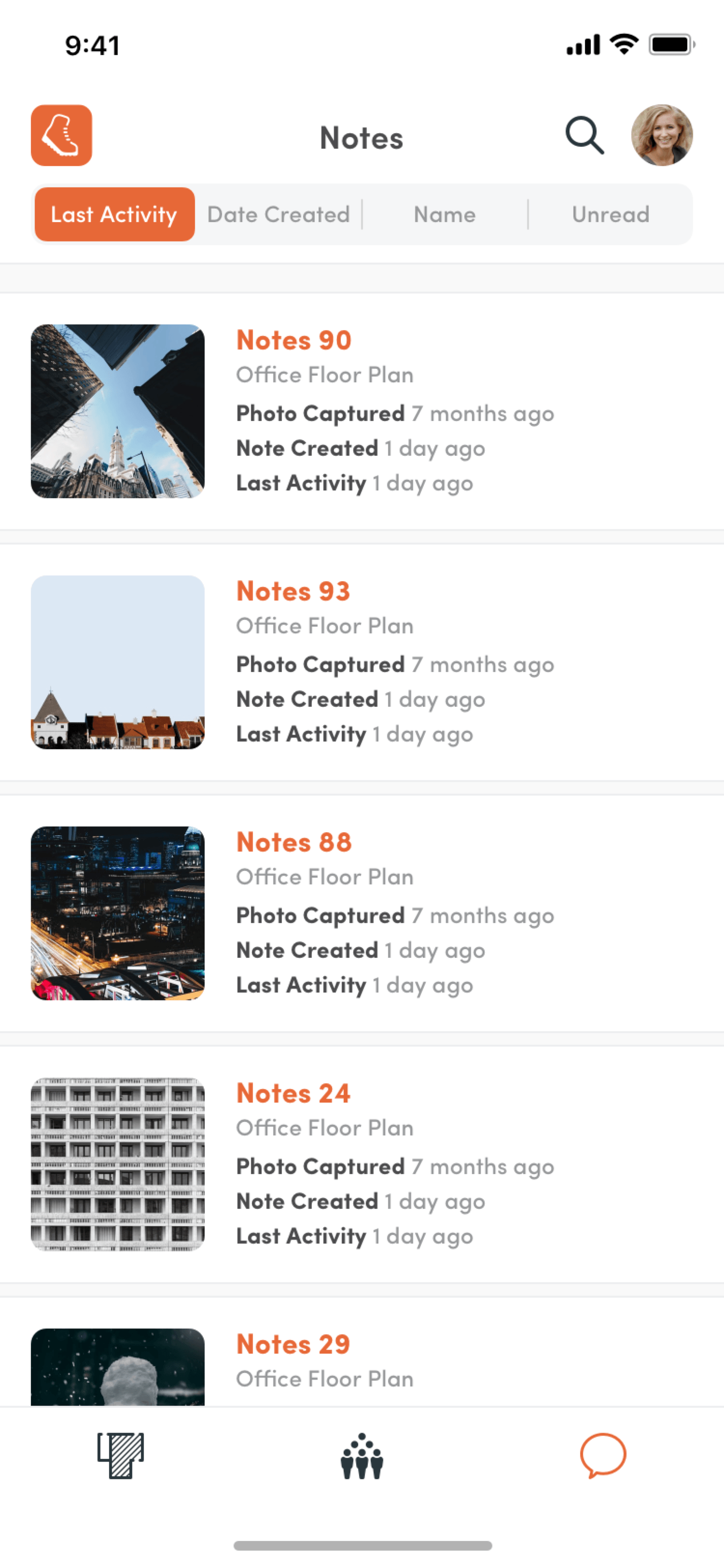
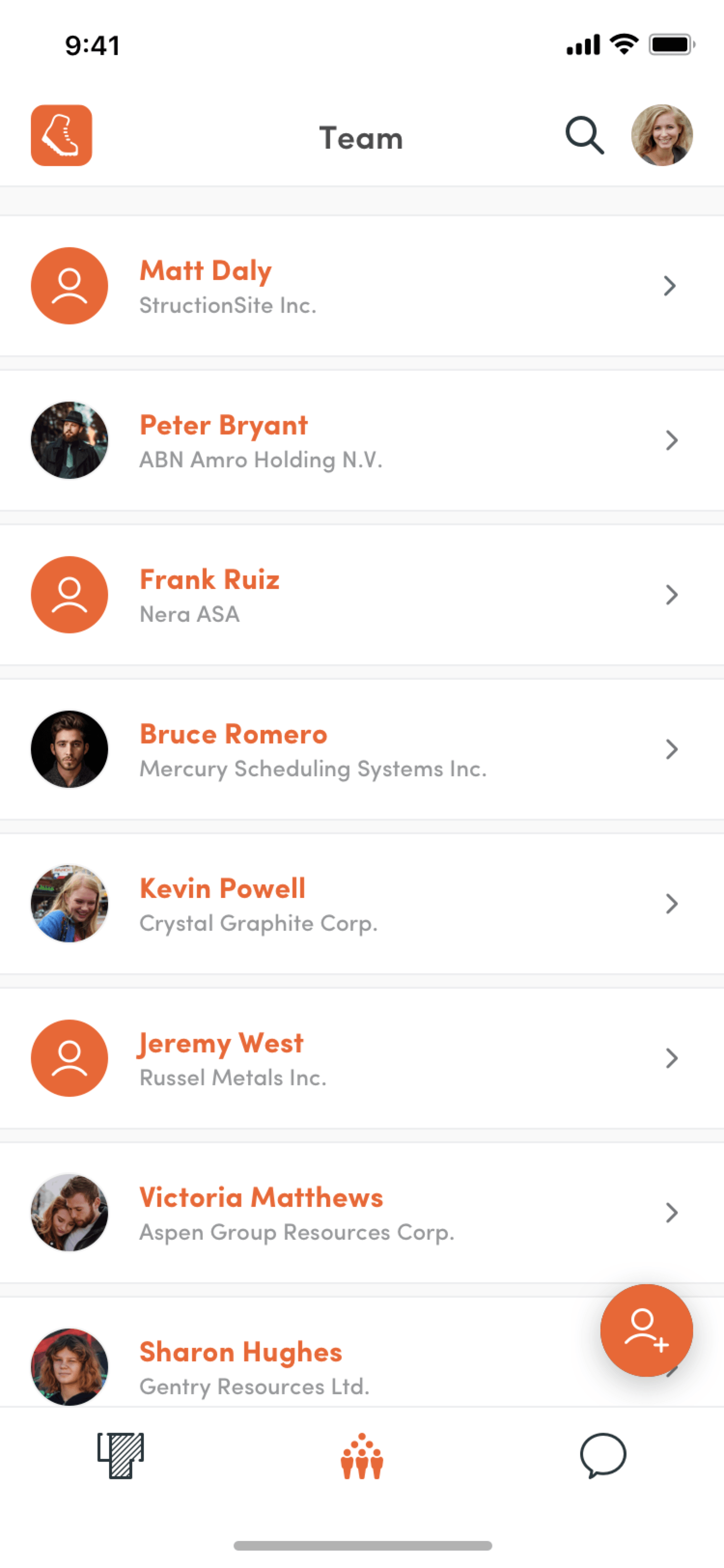
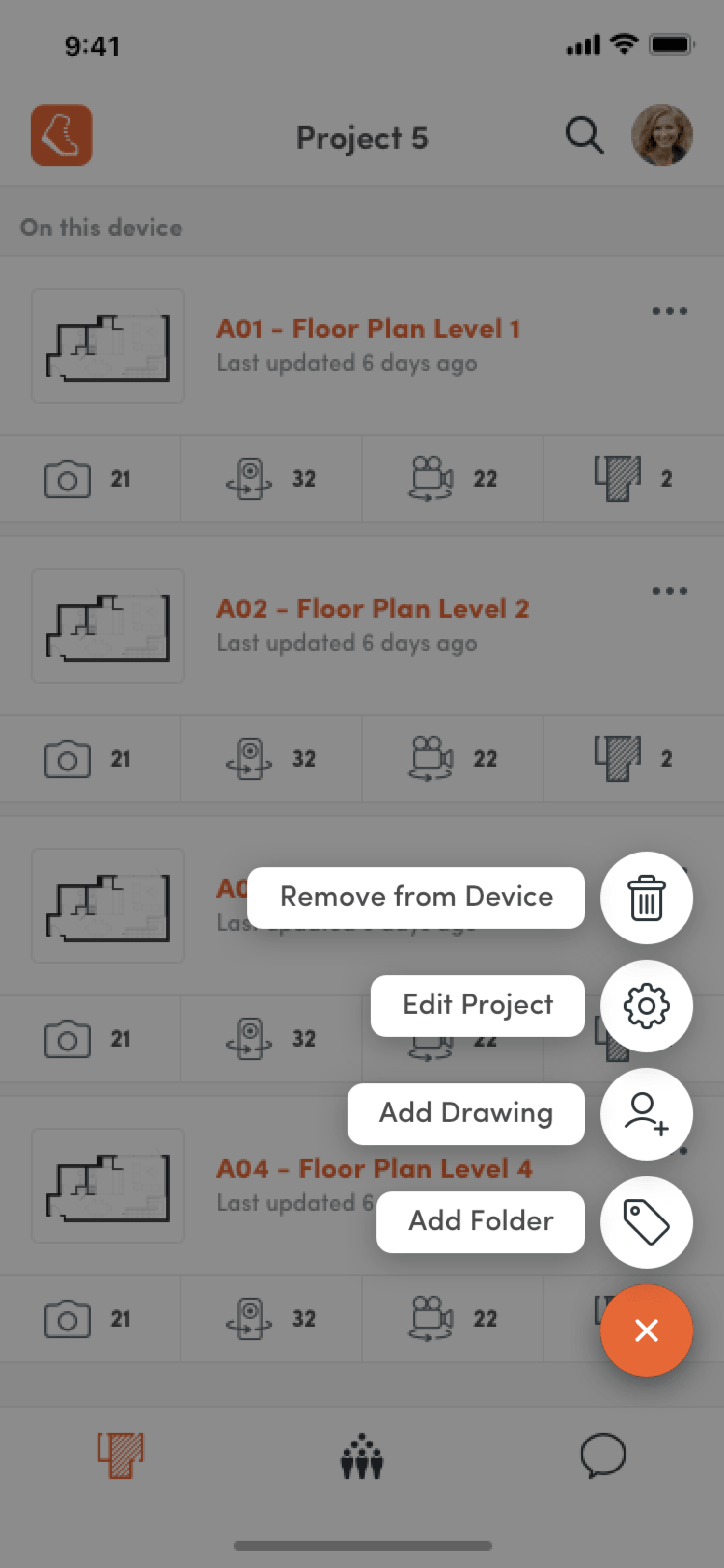
Mobile UI
The on-the-go and on-site companion, so the same insights were one tap away from anywhere on the job.
Asad has been a key part of our design efforts and produces consistently great designs. He has helped with both our web and mobile products and has proven to have a knack for successfully delivering functional designs in both areas. I would highly recommend working with Asad for a company looking for excellent web and mobile UI/UX.
Have a product like this on your plate?
That kind of end-to-end complexity, or a different tangle you need someone to sit with from strategy to handoff. Tell me where you are and I'll tell you how I'd help. Replies within 24 hours.